HTML & CSS
Build pages one tool at a time
From semantic structure and the box model through Flexbox, Grid, responsive images, forms, motion, and design tokens.
- 25 numbered chapters with allowed-tool gauges
- Combined landing pages, admin UI, and storefront practice
- Readable reference appendix when you need a refresher
JavaScript
Make interfaces respond
Focused browser exercises from DOM basics and events through forms, tables, array methods, promises, and fetch.
- 15 phases — expand a phase to see every lesson
- Games and small desks that combine earlier skills
- HTTP, abort, and loading / empty / error polish at the end
UI patterns
Copy-ready component recipes
Named patterns with stable class names — heroes, navbars, cards, forms, dashboards, and full flows you can reuse or describe to other tools.
- Page structure: heroes, landing sections, shells, footers
- Components: cards, tables, modals, ecommerce, timelines
- Flows: auth and onboarding catalogs
Projects
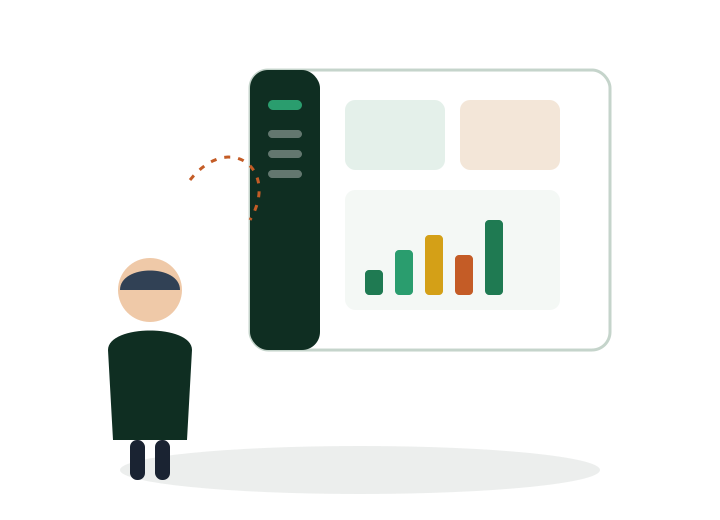
Ship small apps with the full stack
Local-first practice apps that combine the workbook stack. Most keep data in your browser; Post Board practices fetch against a public API.
- CRM, expenses, job tracker, trip planner, draft desk
- Post Board — loading, empty, error, abort, and retry
- Open any app immediately — no login